Why Some People Still Use 20-Year-Old Computers
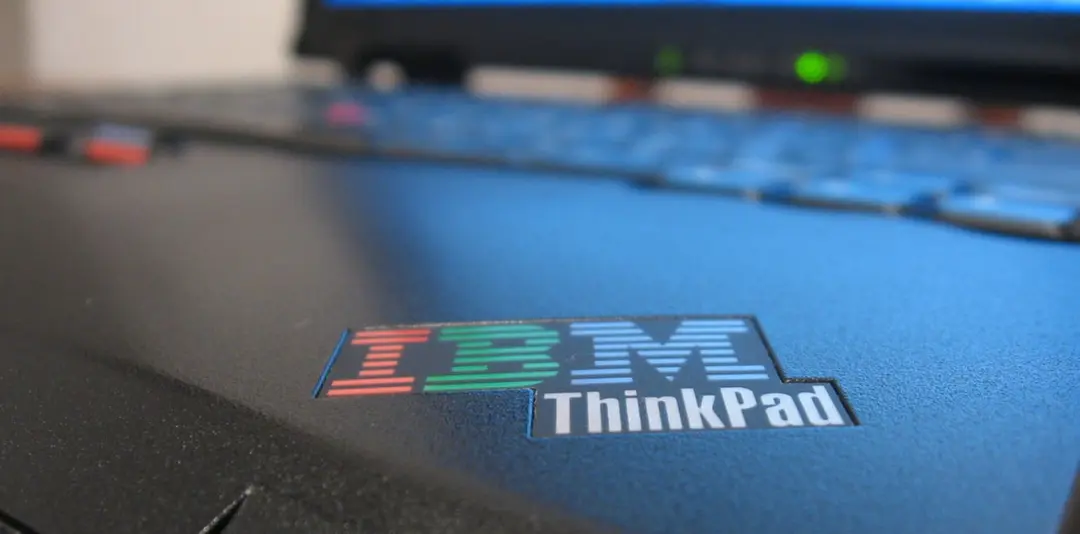
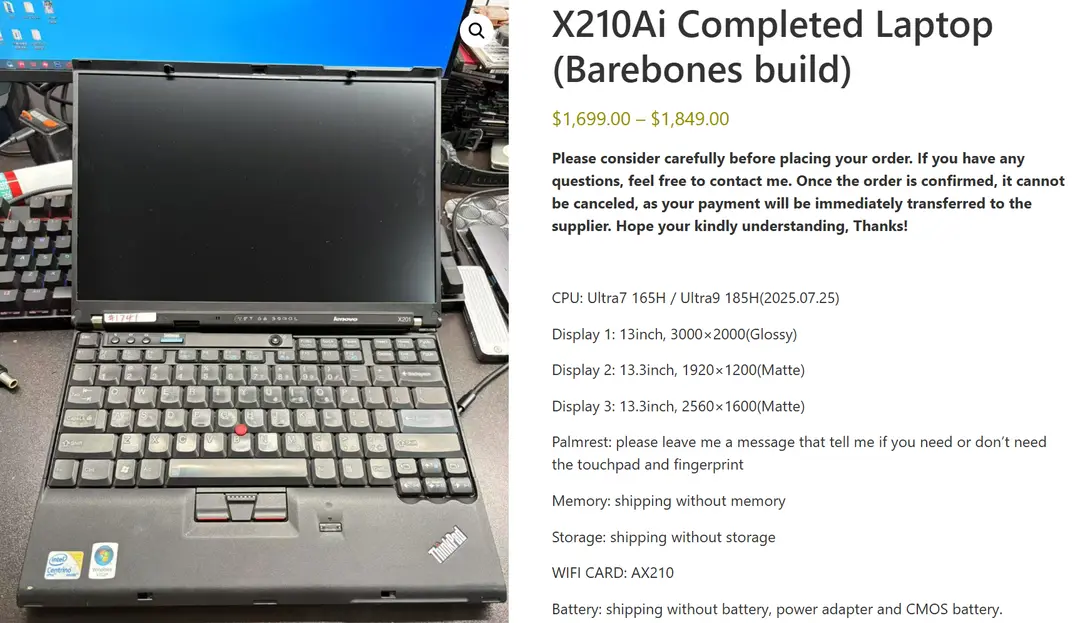
Recently, I stumbled upon a peculiar computer on Hacker News: the ThinkPad X210Ai. The model number immediately struck me as odd—I hadn't seen such a naming style on ThinkPads in years, as they now typically follow patterns like ThinkPad X13 or P15. The X210Ai looked like a Frankenstein creation, but upon clicking the article, I realized it was actually a modified version of the 20-year-old ThinkPad X200. This got me thinking: why would anyone still mod a two-decade-old computer, outfitting it with the latest laptop CPUs and components?
What's the Appeal of Old Computers?
This machine packs an Intel Core Ultra 7 165H processor into the chassis of an old ThinkPad X201/200, supports up to 128GB of DDR5 RAM, features dual M.2 SSD slots (one 2280, one 2242), a Thunderbolt 4 port, HDMI 2.1 output, and even compatibility with the original 13-inch 3000×2000 or 2560×1600 display.
Even cooler, it can add a second fan via a SATA interface and supports 4G/5G modules through WWAN.
However, this kind of product falls into the DIY realm—it's the work of individual enthusiasts. The cost is also quite high: the CPU alone costs several thousand yuan, and the total estimated cost exceeds 10,000 RMB. Setting aside the price, such modding projects for old ThinkPads undeniably feel very "geeky."
Following this train of thought, I searched and remembered a ThinkPad forum I used to frequent: 51nb. To my surprise, the forum is still alive. I entered my username and password and successfully logged into this old forum that has been running since 2001.
Unsurprisingly, on this forum, I found many cases of old ThinkPad modifications—not just the ThinkPad X200, but even earlier models like the X60, T61, and even the pre-2005 X32 are still being modded today.
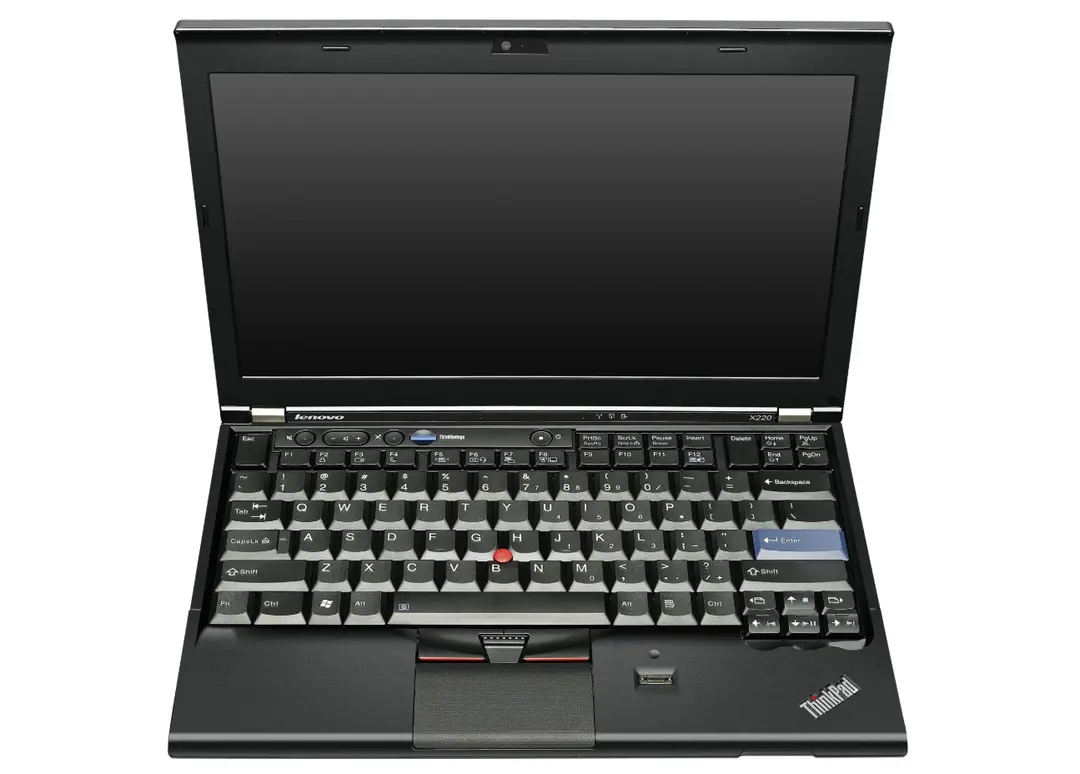
This also reminded me of my own obsession with ThinkPads over the years. From agonizing over buying an SL510 in 2011 to later owning an X220, T450s, and P53, I've always felt that those old machines possess an indescribable charm.
Looking back over a decade ago, I wrote an article titled "Why Is It So Hard to Buy a Satisfying Laptop?" complaining about the difficulty of finding a 15-inch high-resolution laptop within a budget of 4,000–5,000 RMB. In terms of brands, I excluded Dell, HP, and Asus, favoring only ThinkPad and Fujitsu for their understated appearance and excellent keyboard feel, unlike some flashy models. Back then, I ultimately targeted the budget-friendly SL510R9C, but when I went to the computer market, I found only the A66 version, and its 1366x768 resolution made me pass immediately.
In hindsight, my struggles back then were precisely because of the durability of old ThinkPads. The X220 I later bought in 2011 is still functional for basic tasks today. Recently, I even modded it into a Feiniu NAS system, though I eventually replaced it with the more compact Epson ST190E mini PC because it didn't fit in my home's weak current box.
Why Do People Still Use 20-Year-Old Computers?
Overall, a computer that continues to be celebrated by users nearly 20 years later clearly has very unique reasons behind it.
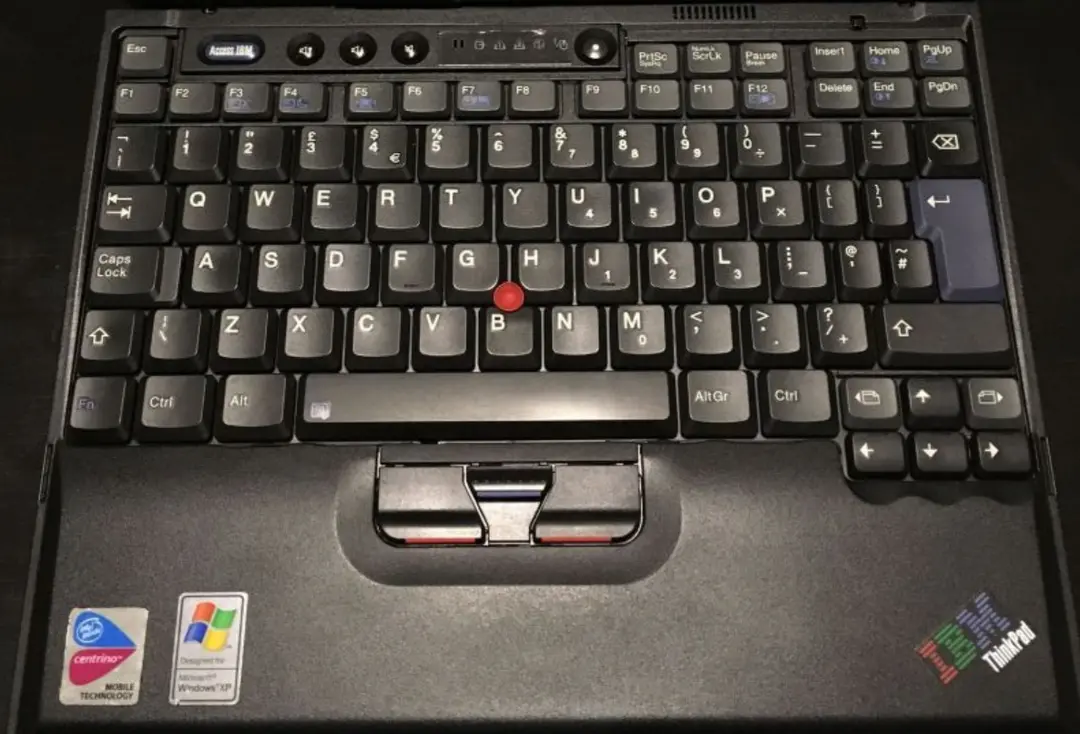
Take the ThinkPad X200/X201 series, which debuted around 2008. Its 7-row keyboard, TrackPoint pointer, and sturdy chassis are legendary features that modern thin-and-light laptops struggle to replicate.
Some on the forum bluntly call these old computers "timeless beasts," praising their deep key travel and crisp feedback, far surpassing newer machines.
I've mentioned in my own articles many times that the keyboard of the ThinkPad X220 has kept me hooked, even though its screen is only 12 inches and the battery barely lasts an hour.
Particularly noteworthy is the TrackPoint, the "little red dot," which is the biggest enduring feature of ThinkPads. I've come to rely on it more and more because it ensures my hands stay on the keyboard while typing, without accidentally touching the touchpad. Back in the CS1.6 days, using the TrackPoint for gaming wasn't even a challenge.
This became clear from my experience with the Redmi Book 14. I bought this Xiaomi laptop in a rush before a business trip, drawn to its slim and light design, but I soon regretted it. Without the familiar TrackPoint, I kept accidentally touching the touchpad, causing issues while working in VSCode. My fingers had to repeatedly leave the keyboard to adjust, drastically reducing efficiency. In contrast, the ThinkPad's TrackPoint keeps my hands firmly in the typing area, allowing pixel-perfect scrolling and clicking, with infinite scrolling—unlike touchpads that require resetting finger positions at the edges.
Next is upgrade potential. "Modded" versions like the X210Ai enable old machines to run the latest AI small models, with performance rivaling new releases. On the forum, someone shared their modded X201, equipped with a Core i5 M520, 4GB RAM, and a 120GB SSD, still capable of experiencing the smoothness of Windows 11.
Economics and environmental considerations are also key. Buying a new budget laptop often isn't as cost-effective as a second-hand ThinkPad, with parts readily available and repairs straightforward.
During this year's 6·18 shopping festival, I struggled with upgrading the GPU on my P53 to support the latest CS2 game, only to find that the GPU was soldered onto the motherboard. I ended up building a DIY setup with an AMD R7 9700X and an old RTX 2080, spending 4,000 RMB without upgrading the desktop GPU. But with an old ThinkPad mod, the cost would clearly be lower, and it would reduce e-waste.
Of course, such modifications aren't without drawbacks. Typically, the shells of old personal computers show significant wear, battery life is poor, and compatibility can be hard to guarantee.
Reflecting on my hardware history—from a 2007 AMD Athlon DIY desktop to multiple ThinkPads—earlier this year, I even compiled a complete list of all the devices I've used. This includes the P53 serving as a workhorse at home, the T450s retired due to screen glare, and the X220 gathering dust. These old machines taught me that technology isn't just about what's new, but what's practical.
Seeing the X210Ai made me feel that even 20-year-old computers can be "revived." Perhaps at some point in the future, I'll pull out my X220 and give it a try.
In the end, the charm of old computers lies in balance—not blindly following trends but extending their lifespan through personal ingenuity. Perhaps it's another way of finding joy in the process.
#thinkpad #computer modding #old computers #x210ai #trackpoint